
Can WhatsApp bring a softer pause to bedtime?
You want closeness, not one more screen. See how whatsapp stories for kids fit, with clear limits.
WhatsApp stories can make bedtime personal without giving a child a phone
Your child can be the hero of a bedtime tale. TellMeStories makes personalised stories for children aged 2 to 8. The themes are gentle. The adventures suit their age.
Share a few details. TellMeStories sends a tale through WhatsApp in under two minutes. No new app to install. It arrives in a chat you already use, like a familiar book by the bed.
In France, check which languages are available. The service page is in English. What you can choose may depend on the WhatsApp flow in use.
A parent can open the message, then set the phone aside. The child does not need to hold it. You can read aloud together, like turning pages beneath a warm lamp.
Reading together can bring a quiet moment of closeness. Still, a story cannot take the place of your presence. French guidance recommends no screens in the hour before sleep. It also recommends keeping them out of children’s bedrooms.
Read together, then close the phone. The bedtime ritual can carry on without it, like a room settling after the light goes out.
WhatsApp age rules and parent-managed accounts need care
In France and across the European Region, the usual minimum age for WhatsApp is 13. A younger child needs an account managed by a parent, where this option is available.
WhatsApp began to offer parent-managed accounts bit by bit in 2026. The option may vary by account, device, and region. A parent or legal guardian must be 18 or older to set one up.
The parent PIN protects the account controls. Keep it private, like the key to a quiet room.
Personal messages and calls stay protected by end-to-end encryption. Only people in the chat can read or hear them. You can manage the account, but these controls do not let you open private messages.
Contact and group settings help protect children
- Parent’s account only. The child has no WhatsApp account and receives the story through the adult. Best fit, bedtime stories for younger children.
- Parent-managed account. Saved contacts can message or call. Parents approve unknown requests and groups. Best fit, a child under 13 who needs limited family contact.
- Standard account. The child uses the regular WhatsApp experience from the local minimum age. Best fit, an older child who can follow wider family rules.
With a parent-managed account, usually only saved contacts can message or call. By default, you can add your child to groups. Your child cannot create groups. Unknown messages and invites wait for you to review in a requests area.
Your child can block or report a contact or group. They can also block or report a message, image, or community.
If an unexpected message appears
- Pause and save its details.
- Then block or report the contact, and talk calmly with the child.
- Like closing a drawer gently, each step can stay steady.
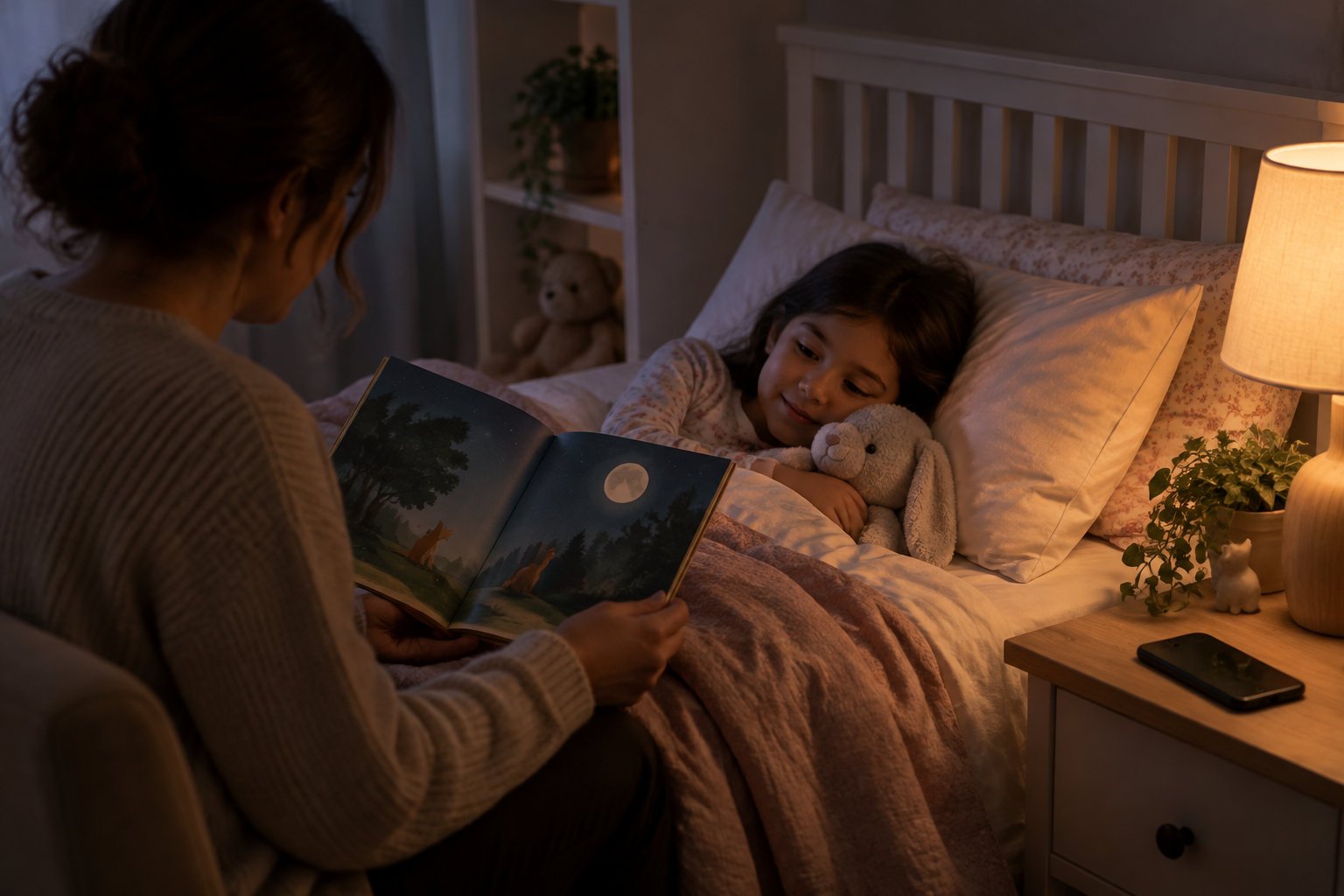
For bedtime stories, your child usually needs no account. You can receive and read the story. A small, calm step.
Check how details are handled, then keep bedtime calm
Personal details and clear explanations
TellMeStories asks for your child’s name, age, interests, and favourite things. These details help shape the story. Before you enter them, read the service’s privacy information.
Privacy details to check
- Check what it collects.
- Check why it collects details.
- Check how long it keeps details.
- Check how to access or delete them.
In France, online services relying on consent need joint consent for children under 15. The child and the person with parental responsibility both agree. Explain simply how details will be used. Share only what the story needs. A school name, address, photo, or daily route is usually not needed.
A quieter ending
-
Open the message and read slowly. Let the child add one detail, then close WhatsApp and dim the light. The phone can rest, like a book returning to its shelf.
Before creating a tale, check its language and privacy details. Share only needed details, like choosing one book from the shelf. Read the message slowly together. Set the phone aside, as gently as closing a door. Begin with that small check tonight.
Frequently Asked Questions
Does WhatsApp have a kids version?
WhatsApp does not have a separate children’s app for this feature. Where available, a parent or legal guardian can set up a managed account for a younger child.
Can a child use WhatsApp on more than one device?
No, parent-managed accounts do not support linked devices. Setup uses your phone for supervision, while your child’s account stays on its managed device.
What happens when a child turns 13?
When your child turns 13, you receive a notification to move the account out of parent-managed mode. Your child then gets regular WhatsApp, without parental controls.
Are parent activity alerts the same as reading messages?
No, activity alerts show account changes, not message contents. They can flag a new contact, group change, or message request; private messages and calls remain end-to-end encrypted.